Syniti Migrate
Maintain Mapping Status
This topic contains the following sections:
This page contains the following sections:
Update all Unmapped to Not Used
Once, all the mappings are completed for the required fields, you can mass update all the unmapped fields to "Not Used" by clicking Options  icon in the Source panel on the Mappings page. Refer to the page shot above.
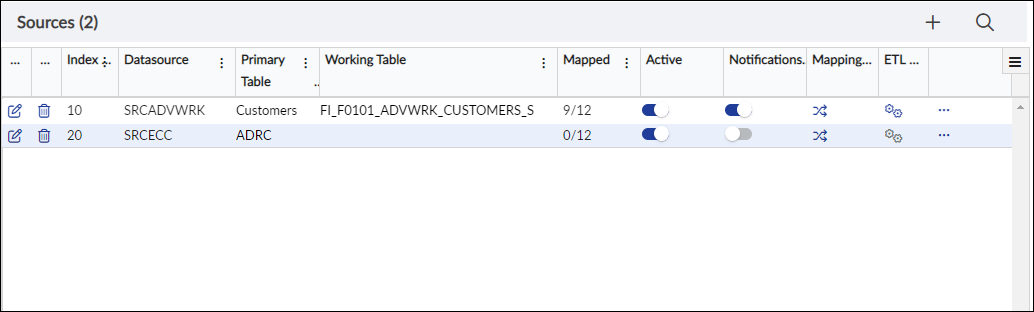
Mappings: Sources
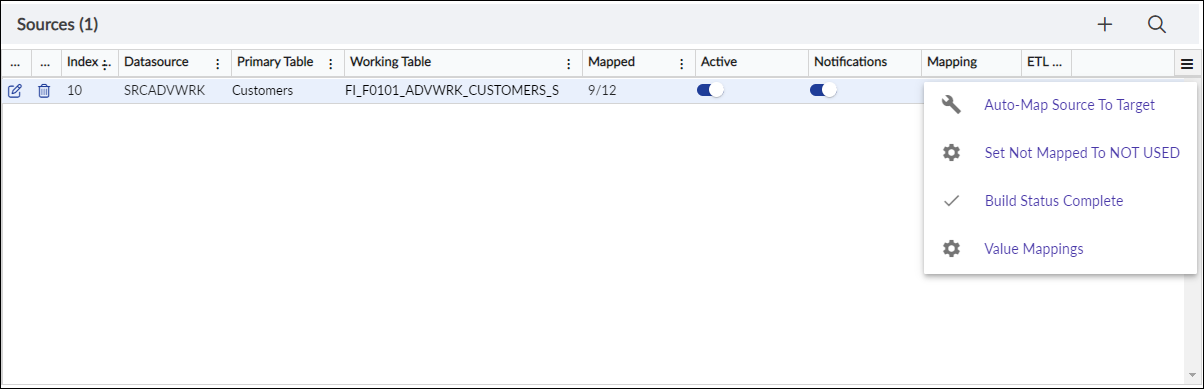
Mappings: Options: Set Not Mapped to Not Used
Select Set Not Mapped to NOT USED
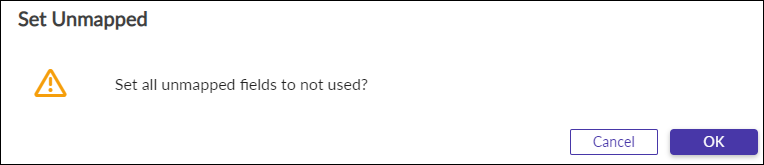
Mappings: Set Not Mapped to Not Used confirmation window
Click OK and changes will be saved.
Update Build Status to Complete
Once, all the mappings are built for the required fields, you can mass update all the build status values to "Complete" by clicking Options icon in the Source panel on the Mappings page.
Mappings: Sources
Mappings: Options: Set Build Status to Complete
Select Build Status Complete
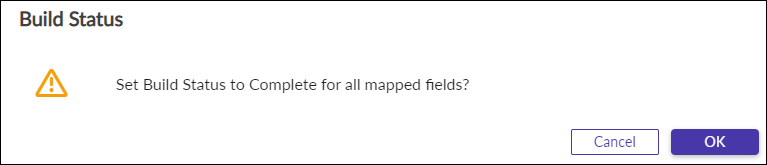
Mappings: Set Build Status to Complete confirmation window
Click OK and changes will be saved.